Back in August and September 2023, I started a daily UX/UI design challenge to help brush up on my skills. It had been about a month since I had done any design projects, so I thought this would be a good way to get back into a good rhythm.
I remember when I started this project, I would be stuck on what to do and stare at an empty Figma canvas for what felt like hours. I either had way too many ideas and couldn’t decide, or I didn’t have any ideas at all. Towards the end, I would open a new file and just start designing; I wouldn’t think or second-guess my ideas, I’d just put them on the page. After awhile, I got into a good rhythm and was able to kind of find a design style – at least with the limited knowledge I have of Figma.
This challenge helped me get more familiar with the basics of Figma, and it helped me learn that it’s okay to have ideas and then scrap them – you don’t have to have every single element solidifed in your head before you start designing. I plan to learn some more skills with Figma to move into more intermediate design work and then start sprucing up my portfolio!
Overall, this challenge helped me step out of my design comfort zone and I had a lot of fun doing it. Here’s what I did for the challenge, days 1-50!
Prompt source: https://medium.com/@vikramjsingh2/50-day-ux-ui-design-challenge-b5469ab55692
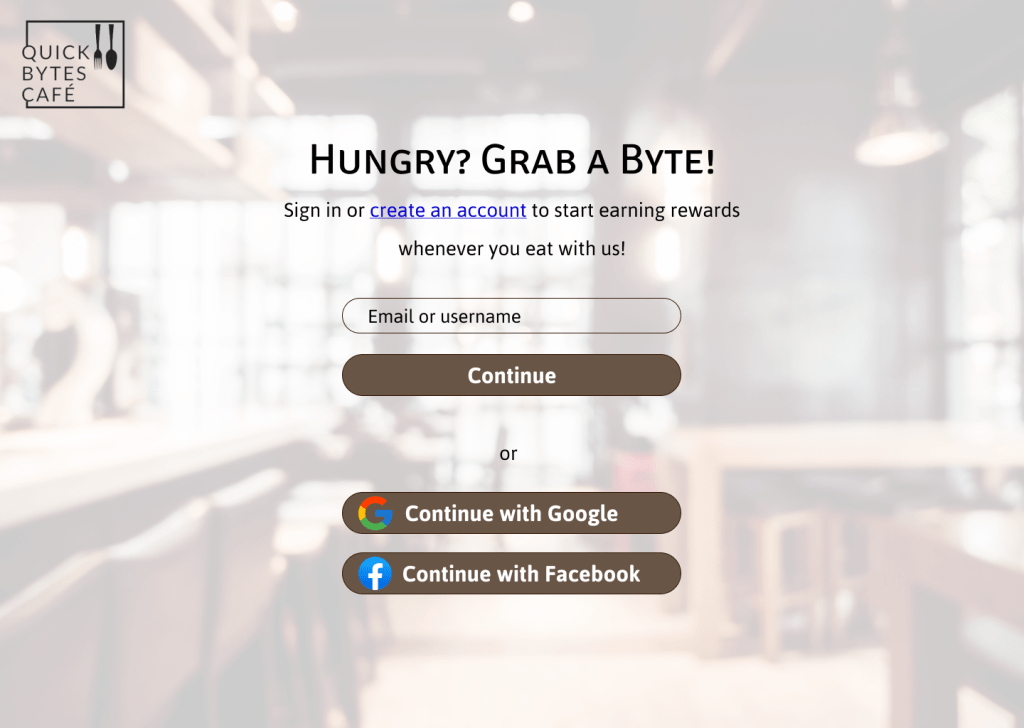
Day 1: Sign-up page
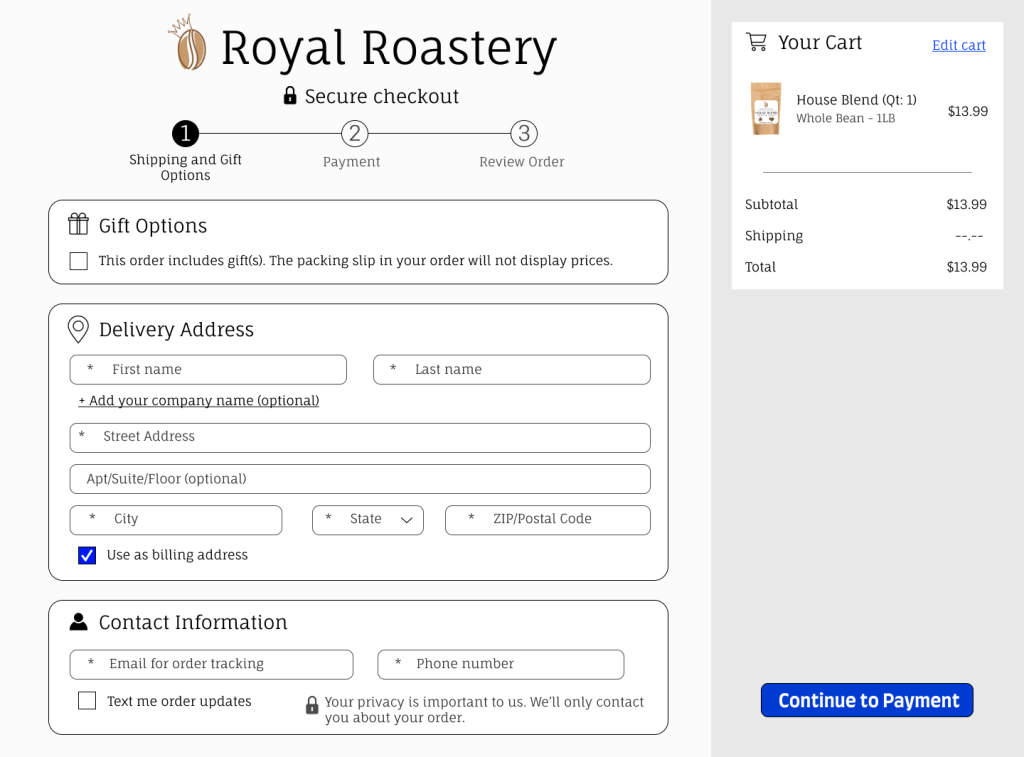
Day 2: Checkout
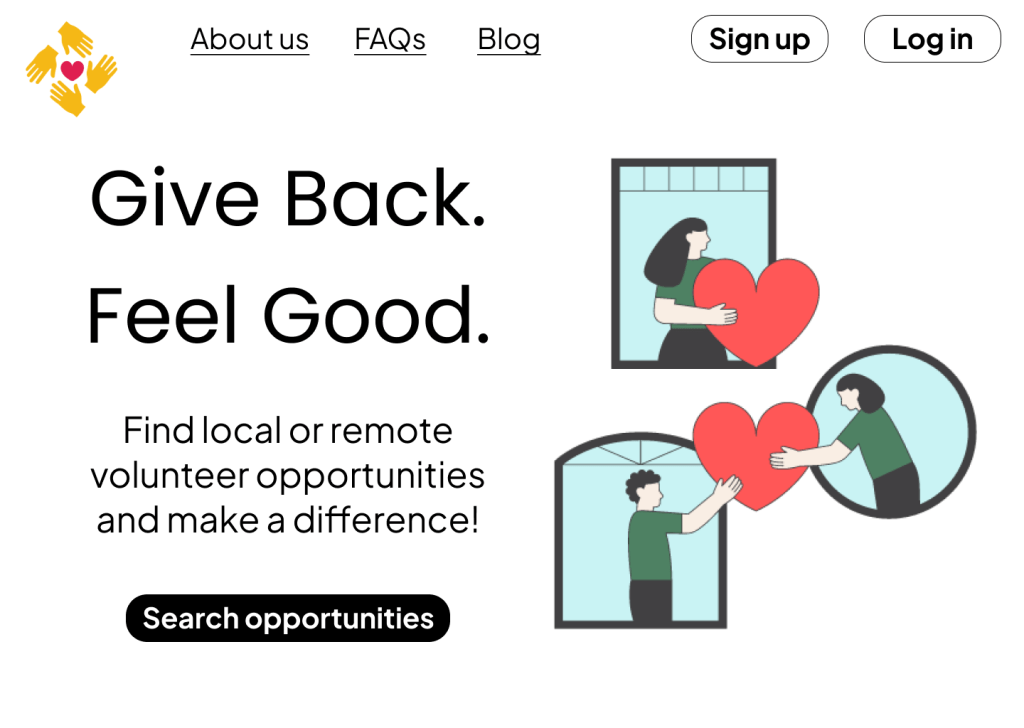
Day 3: Landing page
Day 4: Calculator

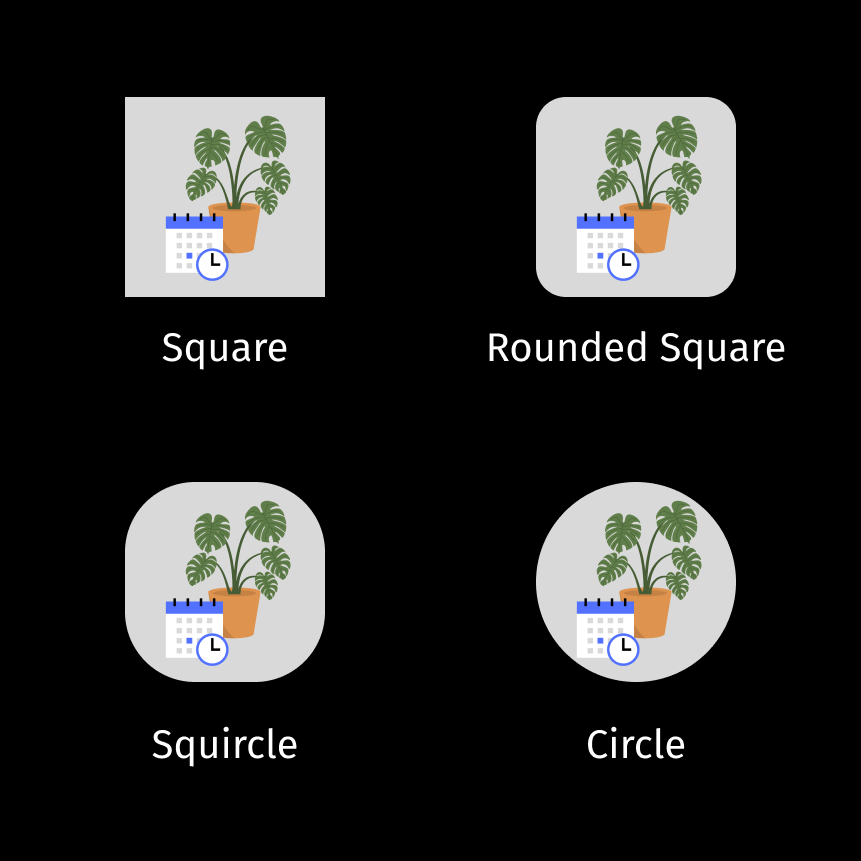
Day 5: App icon
Day 6: User profile
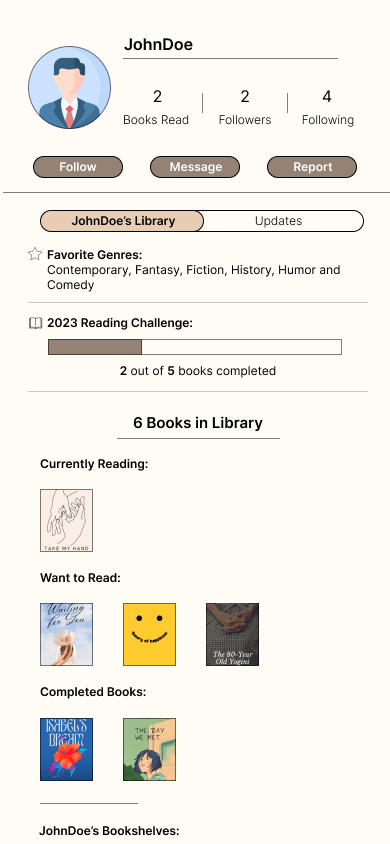
Day 7: Settings
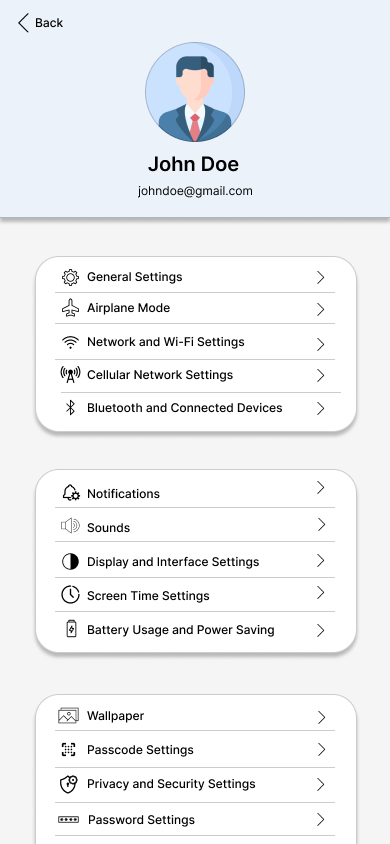
Day 8: 404 page
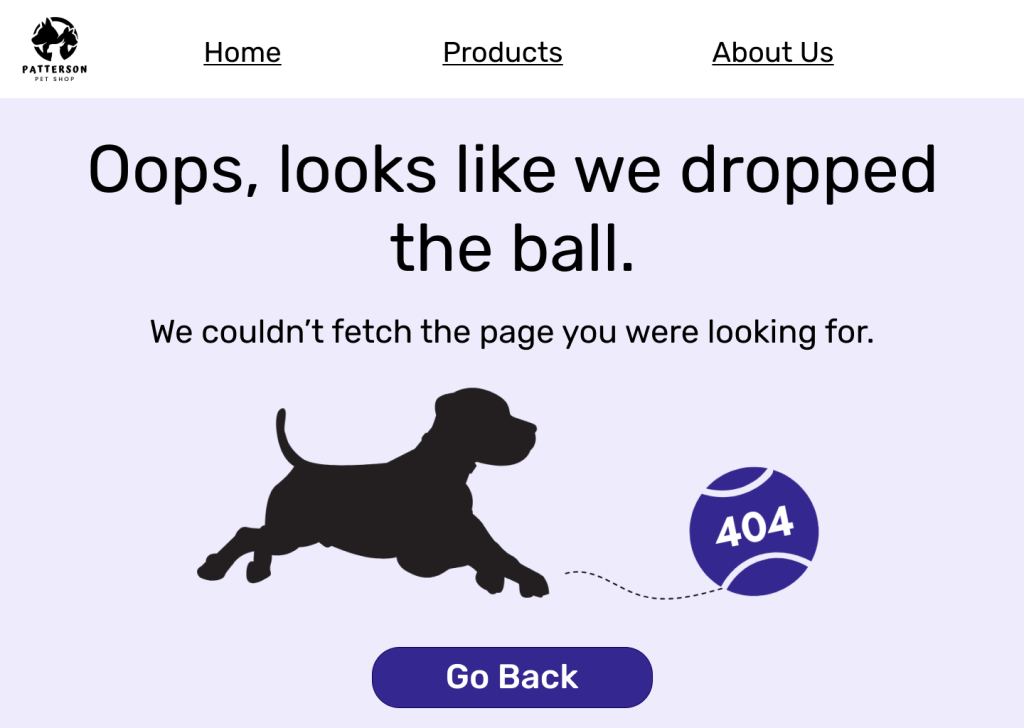
Day 9: Music player
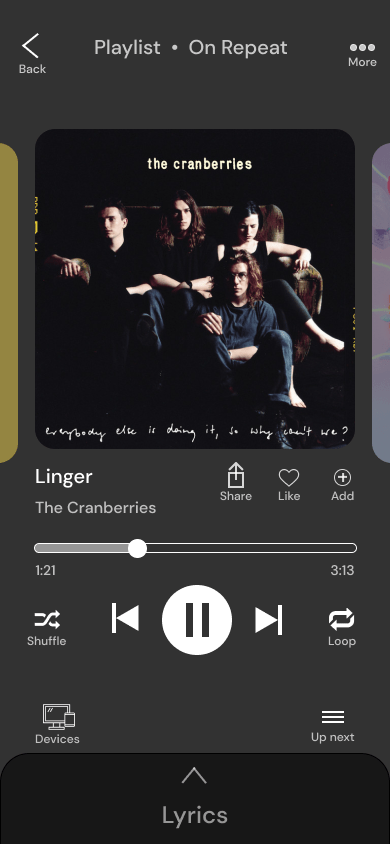
Day 10: Share

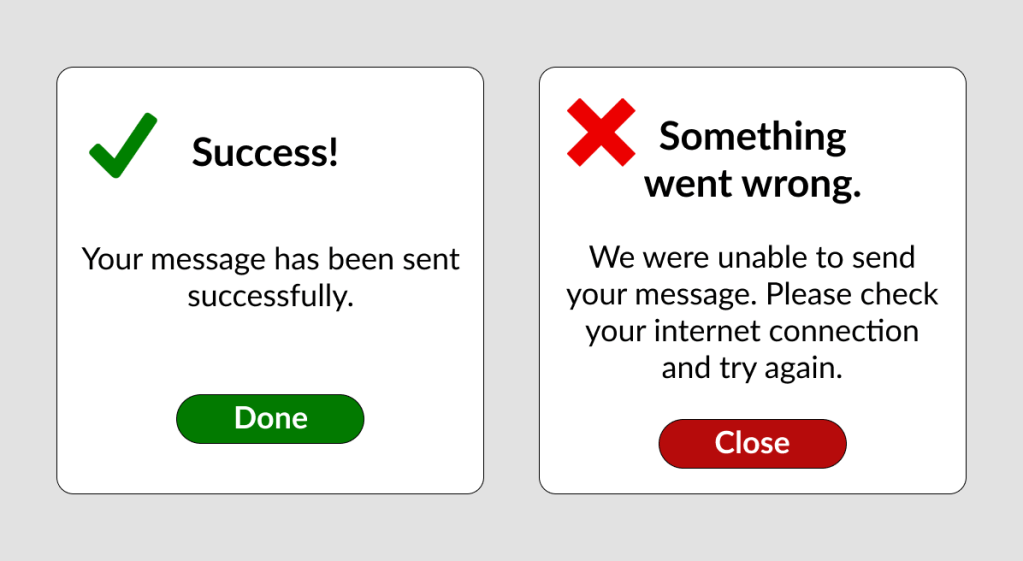
Day 11: Flash message
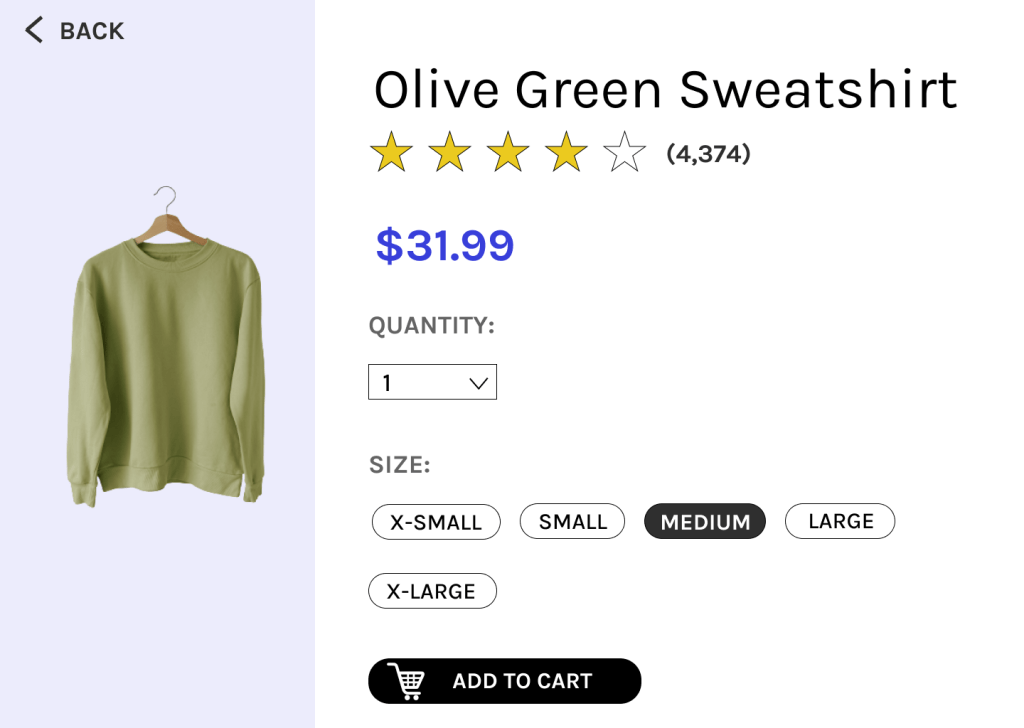
Day 12: Product page
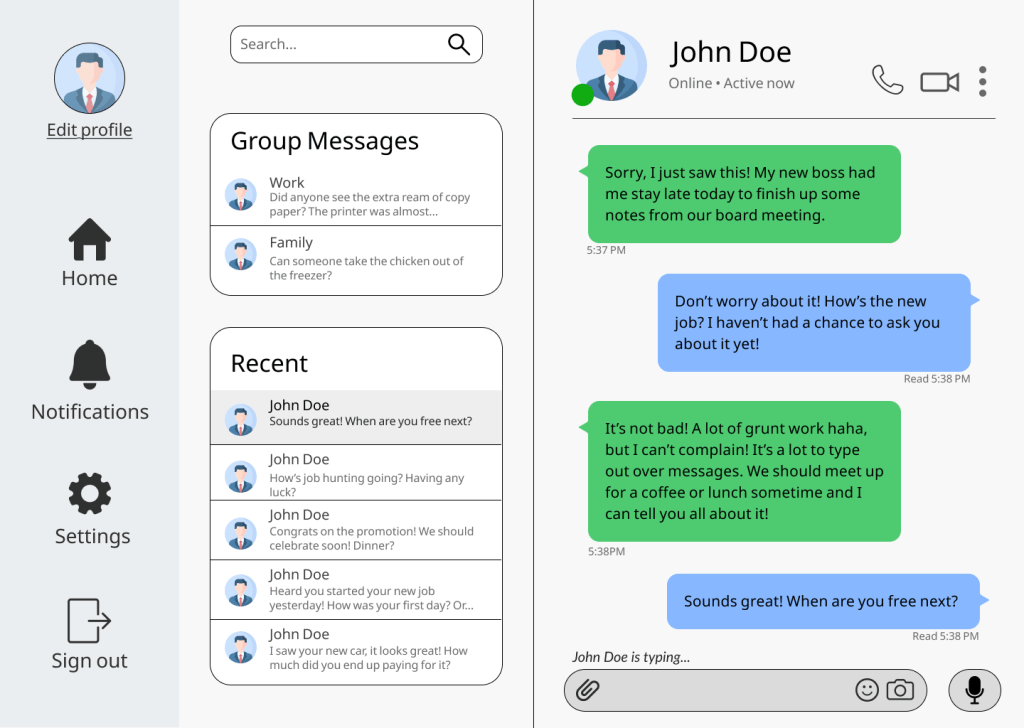
Day 13: Direct messaging
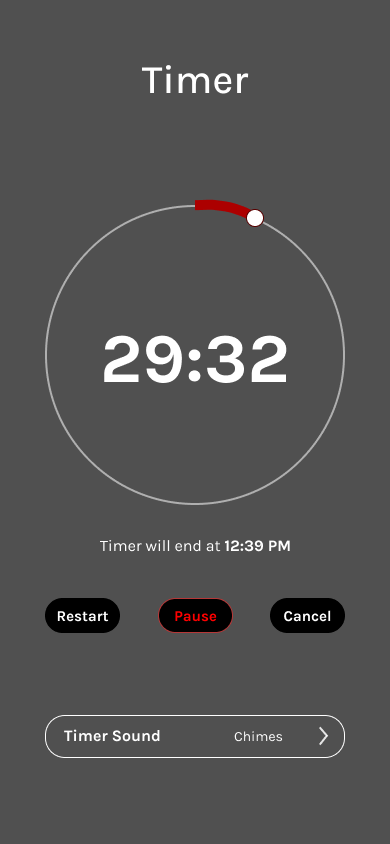
Day 14: Countdown timer
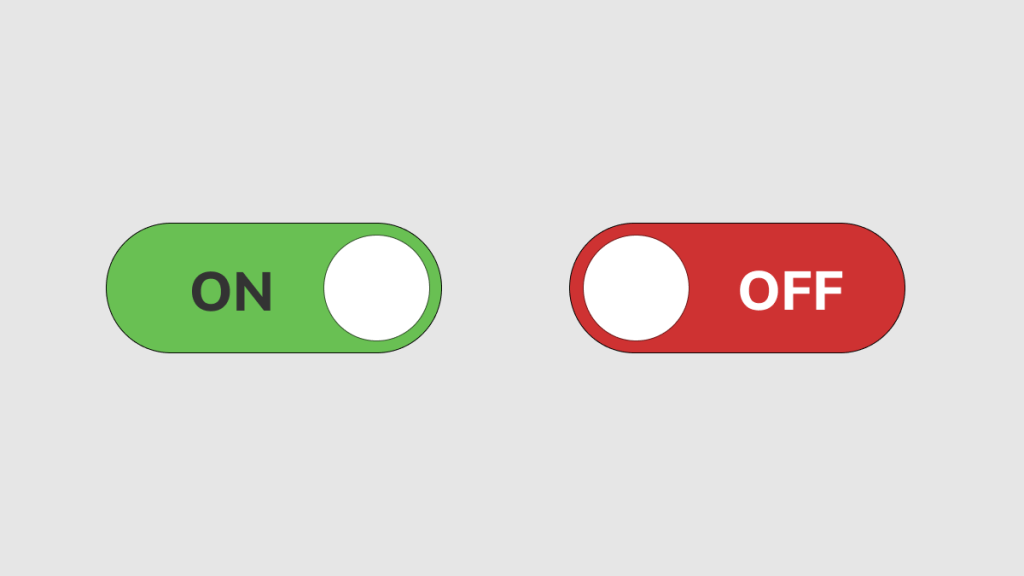
Day 15: On/off switch
Day 16: Pop-up/overlay

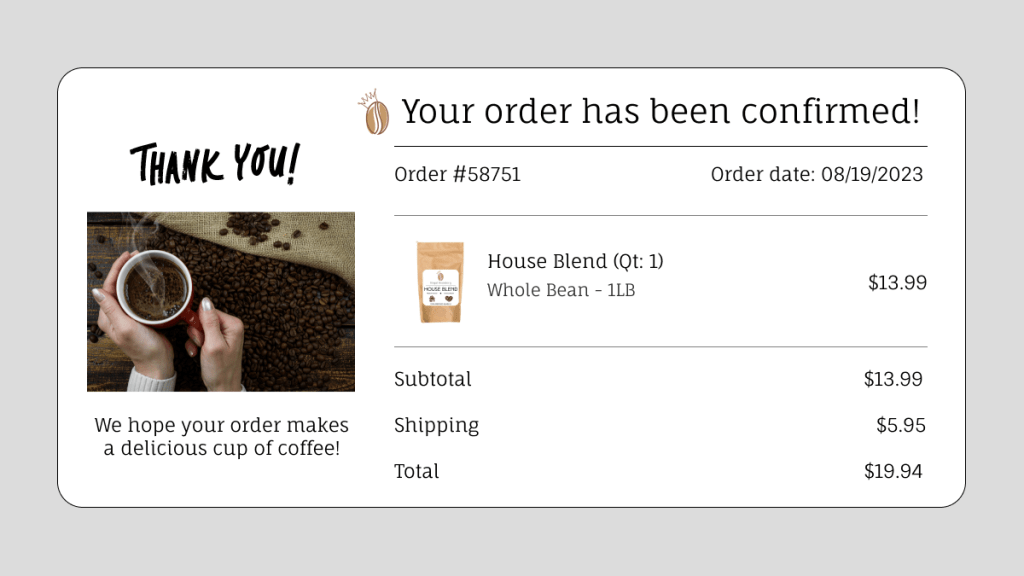
Day 17: Email receipt
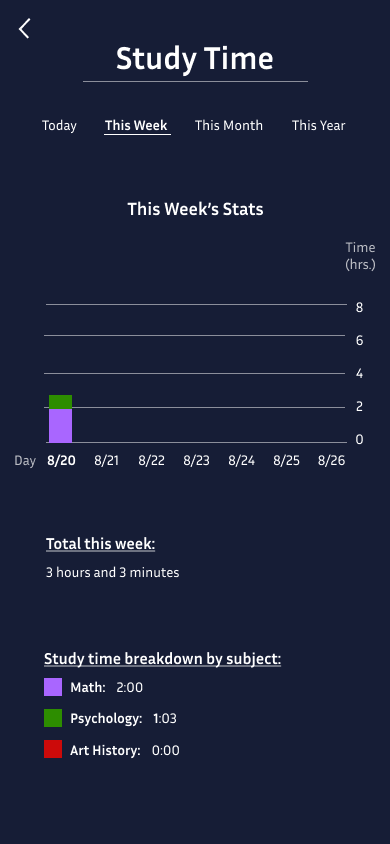
Day 18: Analytics chart
Day 19: Leaderboard

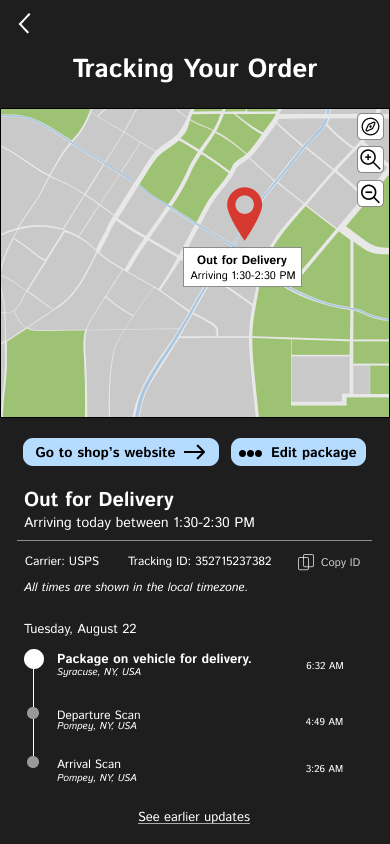
Day 20: Location tracker
Day 21: Monitoring dashboard
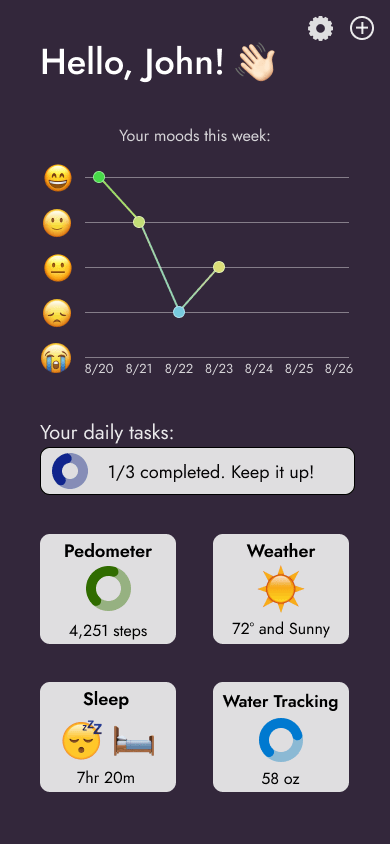
Day 22: Search
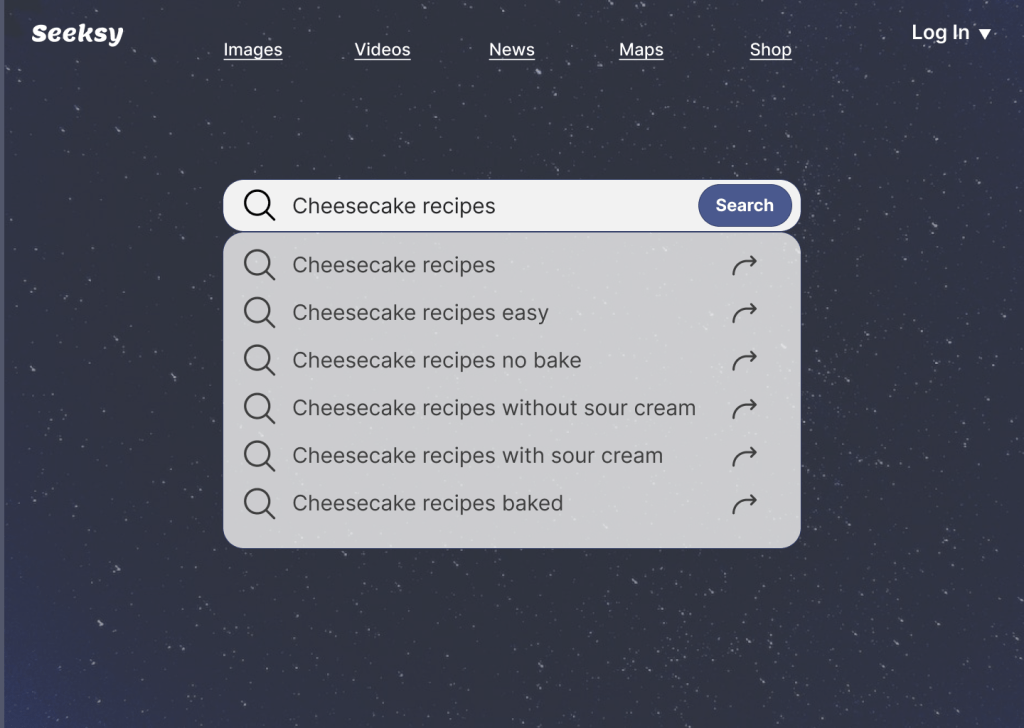
Day 23: Onboarding

Day 24: Boarding pass

Day 25: TV app
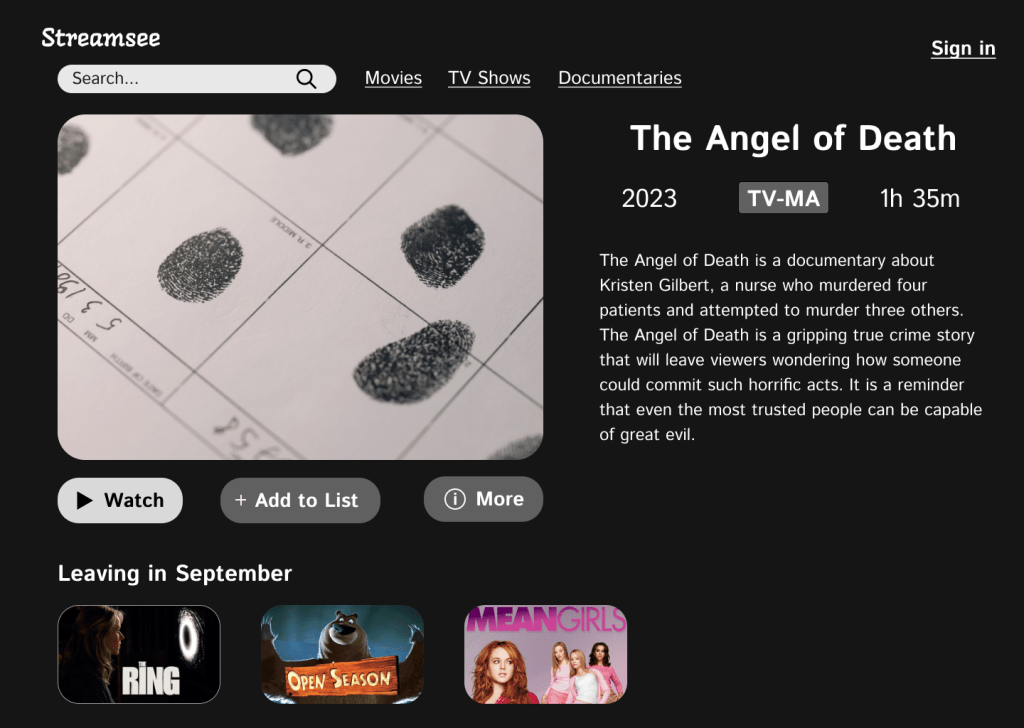
Day 26: Subscribe

Day 27: Dropdown
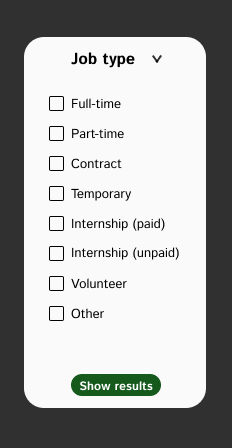
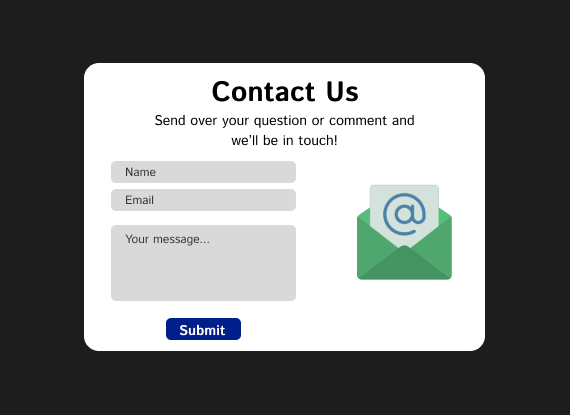
Day 28: Contact us form
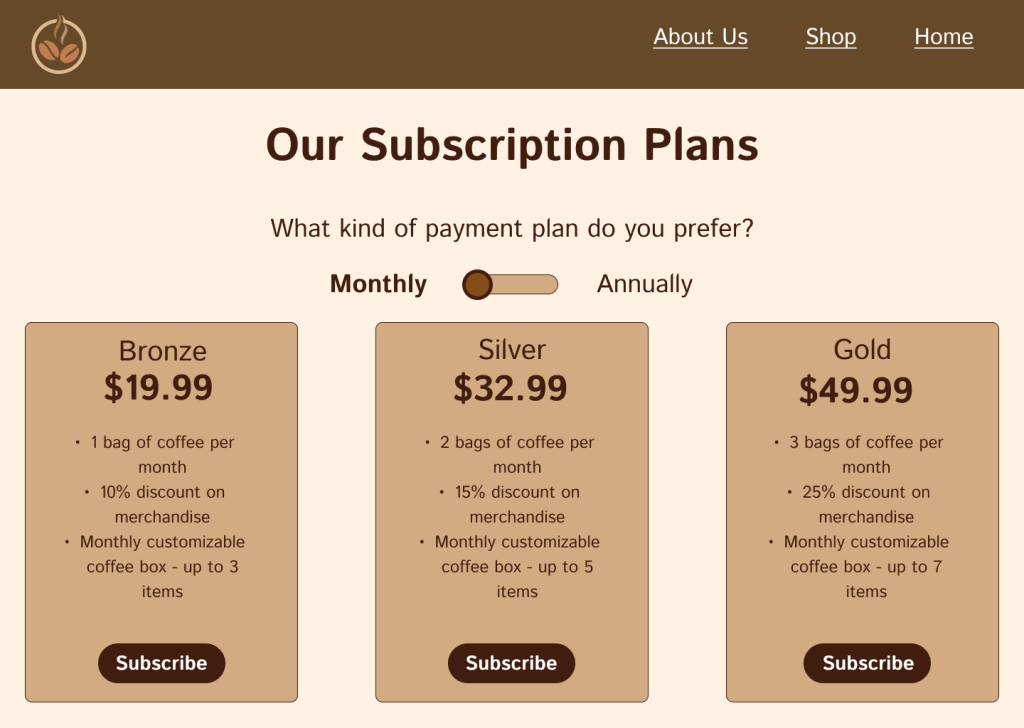
Day 29: Pricing page
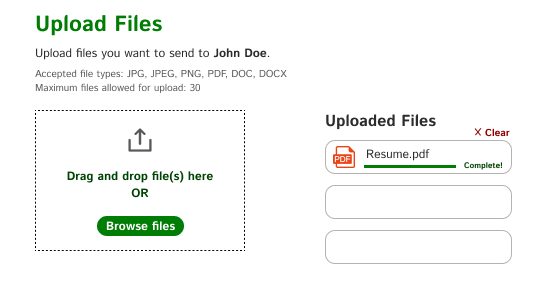
Day 30: File upload
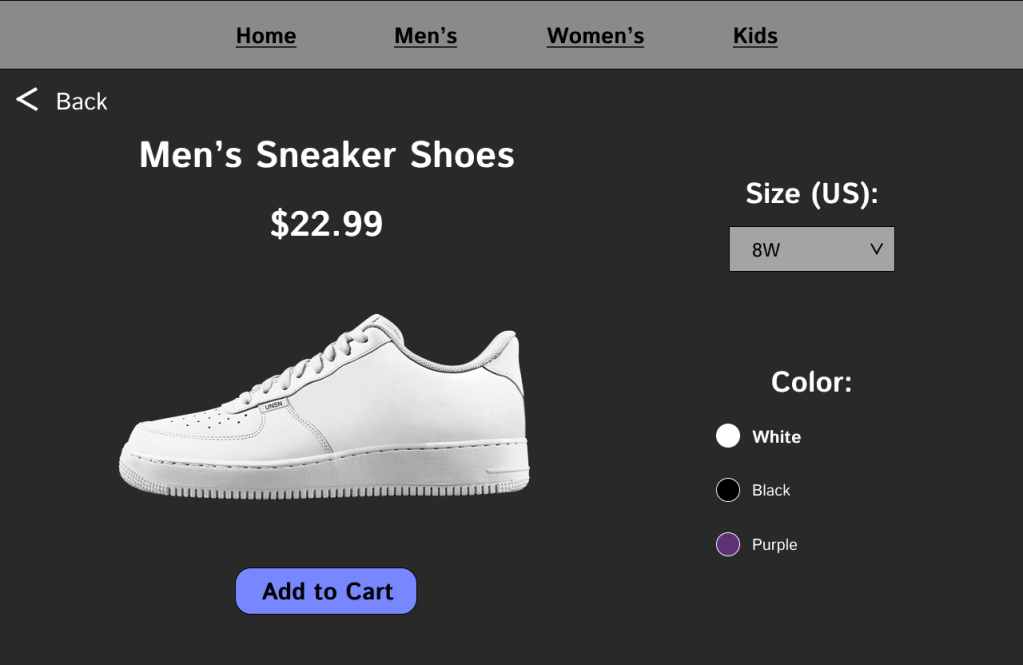
Day 31: Customize products
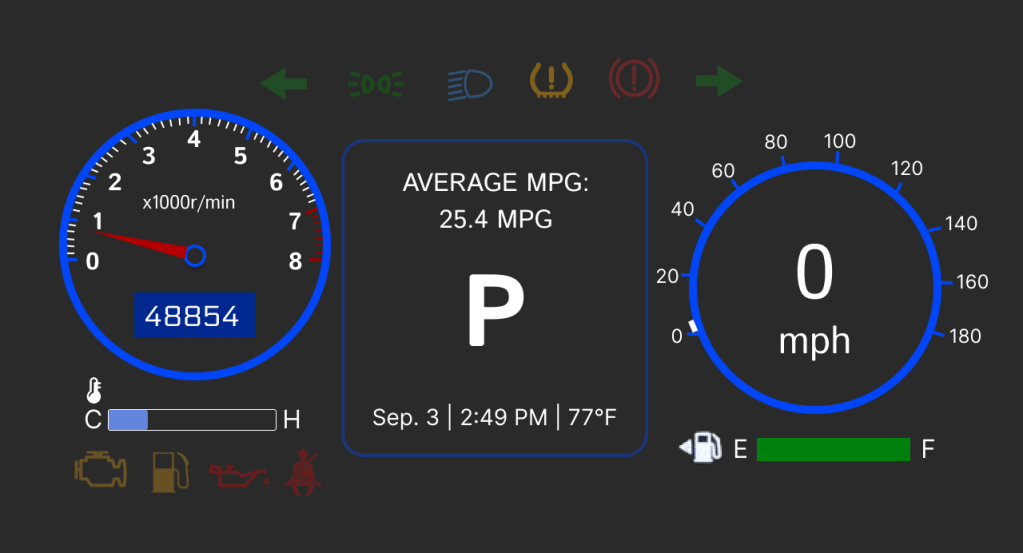
Day 32: Car interface
Day 33: Blog post

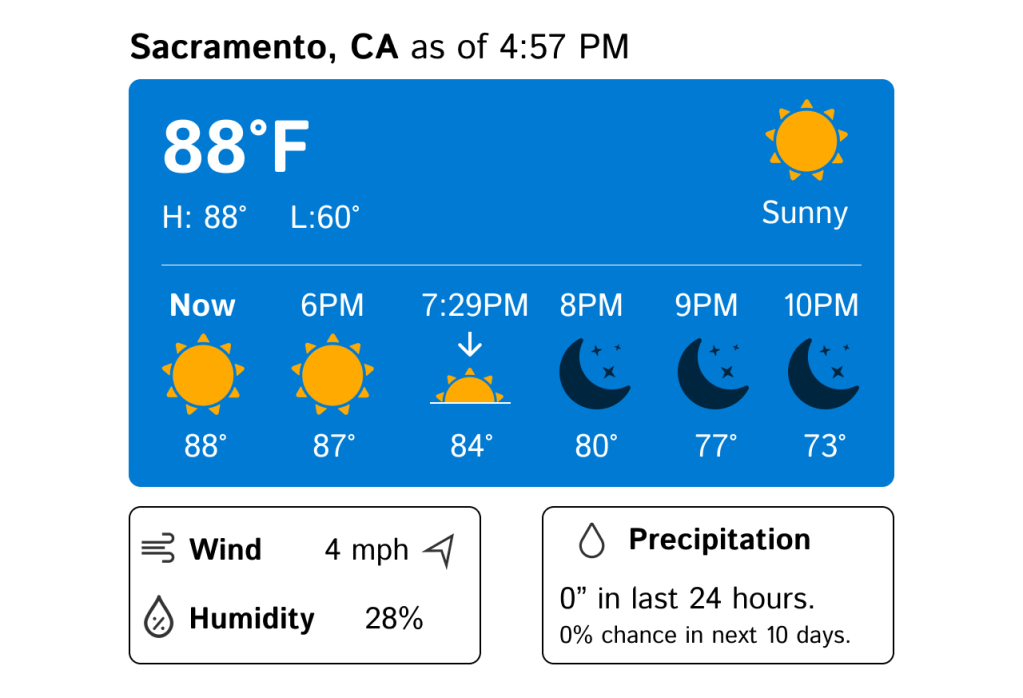
Day 34: Weather
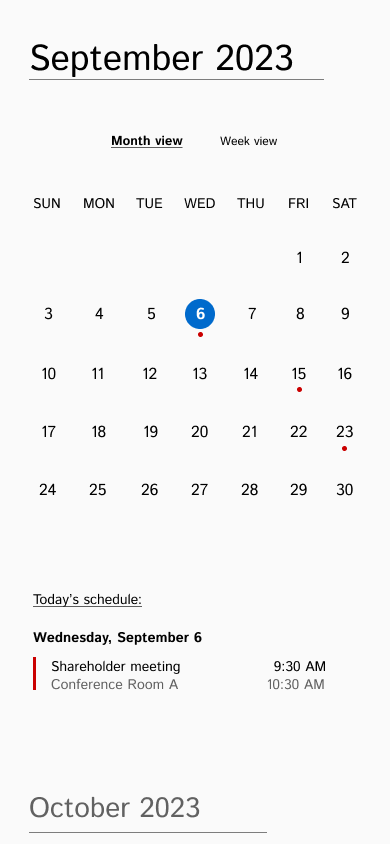
Day 35: Calendar
Day 36: Testimonials

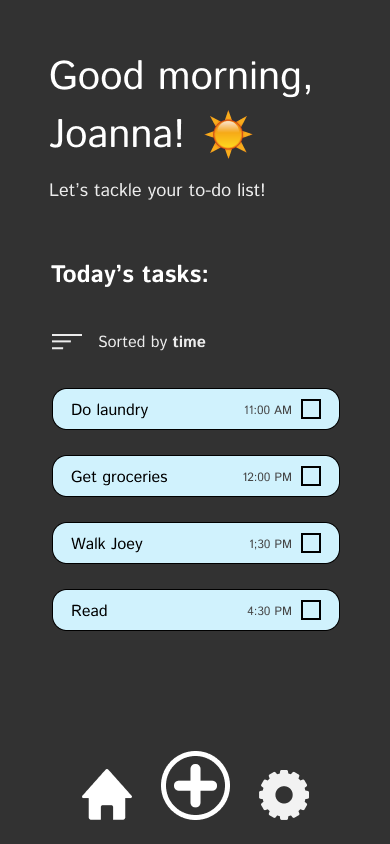
Day 37: To-do list
Day 38: Info card

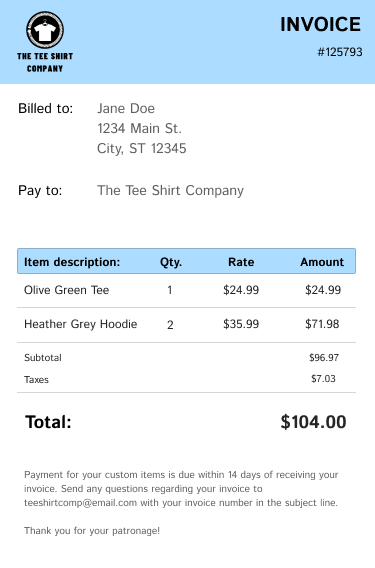
Day 39: Invoice
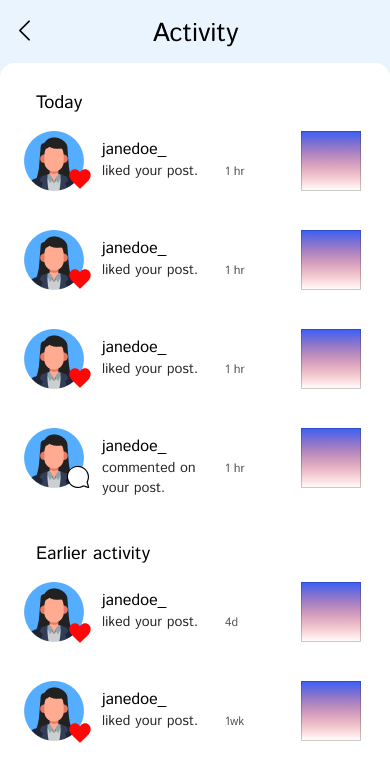
Day 40: Activity feed
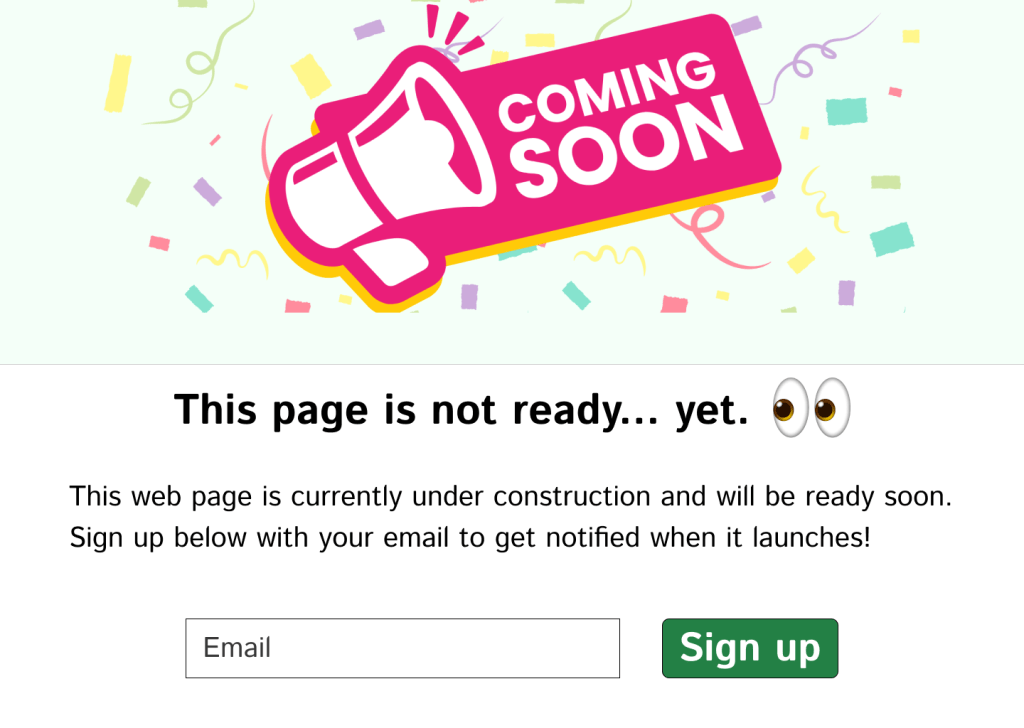
Day 41: Coming soon
Day 42: Job listing

Day 43: Daily UI logo

Day 44: Header navigation

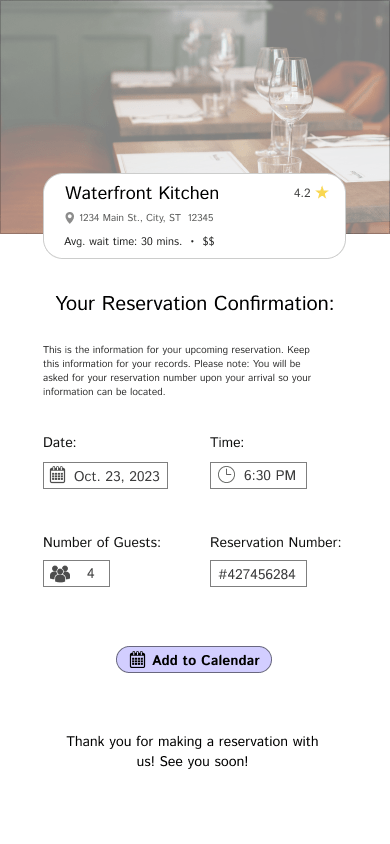
Day 45: Confirm reservation
Day 46: Video player

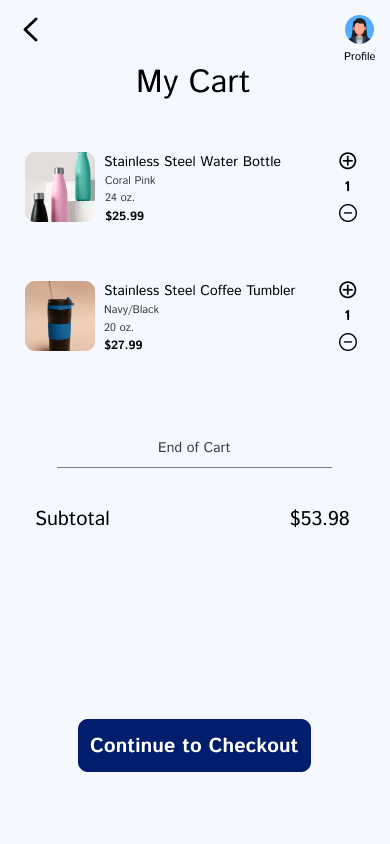
Day 47: Shopping cart
Day 48: Redeem coupon

Day 49: Exercise of the day

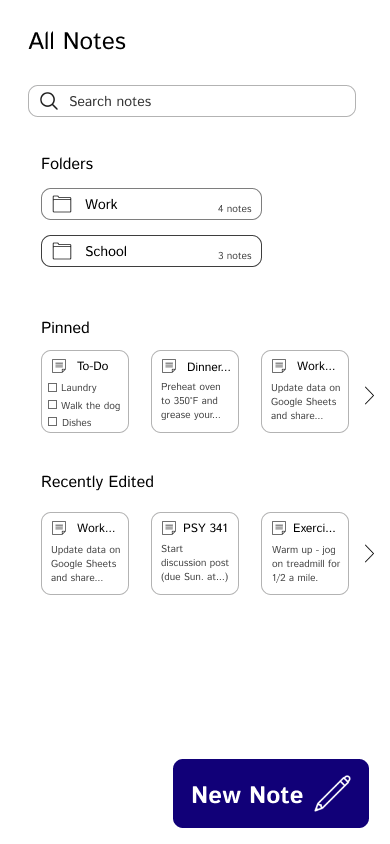
Day 50: Notes app
 Zachary Goodpaster
Leave a comment